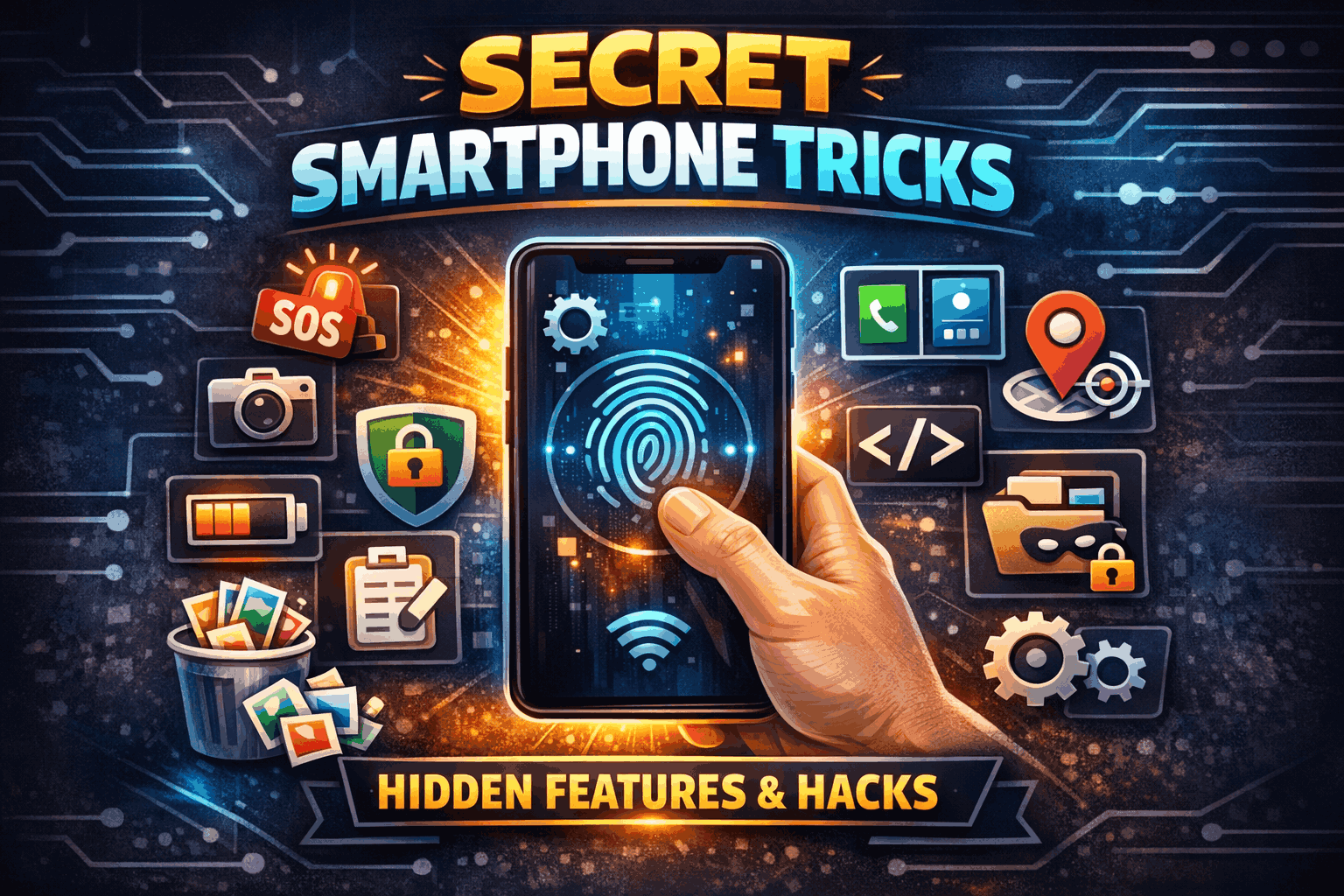
Your smartphone is one of the most powerful tools you own — but chances are, you’re only using 30–40% of what it can actually do.
Most people use their phones for social media, calls, WhatsApp, photos, and maybe YouTube. But inside your device are hidden features, secret shortcuts, and powerful settings that can save time, improve performance, boost privacy, and even extend battery life.
In this article, I’ll reveal powerful hidden methods for your smartphone that most users never discover.
1. Secret Back Tap Shortcut (Hidden Gesture Trick)
Many modern smartphones have a hidden gesture feature that lets you perform actions just by tapping the back of your phone.
What You Can Do:
- Take a screenshot
- Turn on flashlight
- Open camera instantly
- Launch any app
- Activate Google Assistant or Siri
How to Enable (Android – varies by brand):
Settings → Accessibility → Gestures → Quick Tap (or Back Tap)
How to Enable (iPhone):
Settings → Accessibility → Touch → Back Tap
This is one of the most underrated features. Instead of searching through menus, you just tap the back twice and the action happens instantly.
2. Hidden Developer Options (Advanced Control Mode)
Your smartphone has a secret advanced settings menu called Developer Options. It’s hidden by default.
How to Unlock:
- Go to Settings
- Tap “About Phone”
- Tap “Build Number” 7 times
- Enter your PIN
Now Developer Options will appear in your settings.
What You Can Do Inside:
- Speed up phone animations (makes phone feel faster)
- Limit background apps
- Enable USB debugging
- Show CPU usage
- Improve gaming performance
If you reduce animation scale from 1x to 0.5x, your phone feels instantly faster — without installing any app.
3. Secret Emergency SOS Feature
Most people don’t know their phone has a built-in emergency system.
What It Can Do:
- Call emergency contacts automatically
- Send your live location
- Record audio automatically
- Take photos secretly
- Share device location in real time
How to Activate:
Settings → Safety & Emergency → Emergency SOS
In dangerous situations, pressing the power button 5 times can trigger this feature instantly.
This is extremely useful for women, travelers, and anyone who wants extra safety.
4. Hidden Screen Recording (No App Needed)
You don’t need third-party apps to record your screen.
Android:
Swipe down → Quick Settings → Screen Recorder
iPhone:
Settings → Control Center → Add Screen Recording
You can record:
- Gameplays
- Video calls
- Tutorials
- Instagram stories
- Any activity on your screen
Many people download unsafe apps for this, but it’s already built into your phone.
5. Secret Clipboard History
Your phone secretly saves multiple copied texts — not just one.
Android:
Enable Gboard → Clipboard → Turn on Clipboard History
Now you can access everything you copied earlier.
This helps when:
- Copying OTP codes
- Saving important links
- Reusing captions
- Managing business messages
Very few users know this exists.
6. Hidden Data Usage Control
Your phone tracks exactly which app is secretly using your internet.
Check Here:
Settings → Network → Data Usage
You can:
- Restrict background data
- Stop apps from using data when not in use
- Set data limit alerts
If your internet finishes quickly, this feature will show you the real culprit.
7. Secret Battery Optimization Trick
If your phone battery drains fast, try this hidden method:
Step 1:
Settings → Battery → Battery Usage
Find apps consuming high power.
Step 2:
Enable:
- Adaptive Battery
- Battery Saver
- Background Restriction
Step 3 (Advanced Trick):
In Developer Options → Limit background processes
This dramatically improves battery life.
8. Hidden App Lock Without Extra App
Many smartphones now include built-in app lock.
Check Here:
Settings → Security → App Lock
You can lock:
- Gallery
- Banking apps
This removes the need for third-party lock apps.
9. Secret Split Screen Mode
You can use two apps at the same time.
Example:
- Watch YouTube + Chat on WhatsApp
- Read PDF + Take Notes
- Browse + Calculator
How:
Open recent apps → Tap app icon → Choose “Split Screen”
This increases productivity instantly.
10. Hidden One-Hand Mode
Large phones are hard to use with one hand.
Activate:
Settings → System → Gestures → One-Hand Mode
Screen shrinks downward so your thumb can reach everything easily.
11. Secret Google Assistant Shortcuts
You can automate actions like:
- “Good Morning” → Weather + News + Calendar
- “Good Night” → Silent mode + Alarm set
- “I’m driving” → Send auto-reply message
Set this in:
Google Assistant → Routines
This turns your phone into a personal automation machine.
12. Hidden Storage Cleaner
Your phone hides large files and duplicate photos.
Android:
Settings → Storage → Clean Up
iPhone:
Settings → General → iPhone Storage
You’ll find:
- Large unused apps
- Old downloads
- Duplicate photos
- Cache files
This frees up space without deleting important data.
13. Secret Safe Folder (Private Vault)
Some smartphones include a hidden vault for private content.
Samsung Users:
Secure Folder feature
Others:
Look for:
Settings → Privacy → Private Space
You can hide:
- Photos
- Videos
- Apps
- Files
It works like a second secret phone inside your phone.
14. Hidden Live Caption Feature
Your phone can automatically generate captions for any video — even offline.
Enable:
Settings → Accessibility → Live Caption
Useful for:
- Watching videos silently
- Understanding unclear audio
- Learning languages
Very few users know this exists.
15. Secret Find My Phone Feature
If you lose your phone, you can:
- Track location
- Ring it loudly
- Lock it remotely
- Erase data
Android:
Google → Find My Device
iPhone:
Find My app
This can save your entire digital life.
Bonus: The Ultimate Hidden Method – Digital Wellbeing Control
Your phone secretly tracks:
- Screen time
- App usage
- Unlock frequency
- Notification count
Check:
Settings → Digital Wellbeing
You’ll be shocked how much time you waste.
Use app timers to control addiction and improve productivity.
Final Thoughts
Your smartphone is not just a calling device. It’s:
- A security tool
- A productivity machine
- A privacy protector
- A performance-optimized device
- A personal assistant
Most people never explore these hidden features. But once you do, your phone becomes 10x more powerful.
Instead of installing risky third-party apps, explore your built-in system settings.
You already own the power.
You just need to unlock it.